


The Classic Industries Customer Portal is used for managing your automotive restoration and performance parts orders. Obtaining access to this helpful webpage is pretty easy. The yellow vertical arrow on the lead photo of this article is there to gently suggest that scrolling to the bottom half of the Classic Industries home page is where you want to be.
Step 1 - Scroll To the Bottom Half of the Home Page
After bringing up the www.classicindustries.com website, scroll to the second half of the home page.
The Classic Industries Customer Portal allows customers to:
- Track active packages and view real-time order status.
- Review past orders and account history.
- Build and save specific vehicle project lists.
- Update billing/shipping addresses and manage personal account details.
The Classic Industries Customer Portal is a great tool for helping you to keep track of the pony and muscle car build project(s) in your garage.
Step 2 - Select All Company Policies
Click on the All Company Policies that's just under COMPANY INFORMATION and is in blue ink (because it has been preselected).

Step 3 - Select Customer Portal
In tiny lettering at the top of the page, where the yellow arrow is pointing, are the words Customer Portal. Once you've clicked on those two words, you'll get to your destination.

Step 4- Create User I.D. & Password for Customer Portal
Upon selecting Customer Portal, you will arrive at the page below. You'll need to enter in a user i.d. and password and fill in the information where the yellow arrows are pointing. Notice the orange arrow and circle at the bottom right portion of the page? You'll also need to create a user i.d. and password for your customer account. If you wish, you may use the same user i.d. and password, but you need to fill the information in on both areas of the website. An article with the title - How to Easily Create a Classic Industries Account for Your Muscle Car Needs - provides a step by step guide on how to accomplish this task.

Step 5 - Going To the File A Support Ticket Page
Once you've entered the information highlighted with the five yellow arrows, you'll arrive at the blank (when new) File A Support Ticket Page. This example has one ticket filed, so almost blank. Click on the blue button in the upper right hand corner of the page to 'File A Support Ticket.'

Step 6 - Filling In A Support Ticket
Fill in the support ticket with your first and last name and your email address. The drop down menu has 11 items from which to choose which indicate the reason for your submitting a support ticket. Listed below are these 11 items, with a description for each:
- • Customer Support – General questions related to items you've purchased from Classic Industries.
- • Catalog Request Help – Get help placing an order for one of our print catalogs. You can also do this through our Catalog page.
- • Customer Support – Cancel an order that was recently placed. Please include an invoice number.
- • Order Damage Claim – Report parts that arrived damaged. Please include an invoice number and attach photos of the damage if possible.
- • Order Defective Product – Product seems to be defective. Please include an invoice number and attach photos of the defect(s) if possible.
- • Order Modification - Ask for a modification to an existing order, such as adding or removing an item. Please include an invoice number.
- • Order Cancellation – Cancel an order that was recently placed. Please include an invoice number.
- • Product Sales Question – Ask a question related to items you're considering purchasing.
- • Shipping Rate Estimate – Request an estimate for shipping products, most commonly used for international orders. Please include all part numbers and your full shipping address.
- • Technical Product Support – Ask a question about product selection, installation, or fitment on your specific model. These emails go directly to our technical experts. Please include as much information as possible, and attach photos if possible.
- • Website, Account, or Login Questions – Get help with your Classic Industries account, or report a problem you're experiencing with our web site.

Step 7 - Viewing The Tickets Page
This example shows The Tickets Page for what could be a longstanding customer. In reality, it's just a test page for our team to make sure this important page works properly for all of our honored customers. The yellow arrow shows clicking the top ticket to view the details, which is in the next photo.

Step 8 - Showing A Ticket's Details
Check out the details on the newest Ticket.

Classic Industries - The Place For Finding American Muscle Car Parts
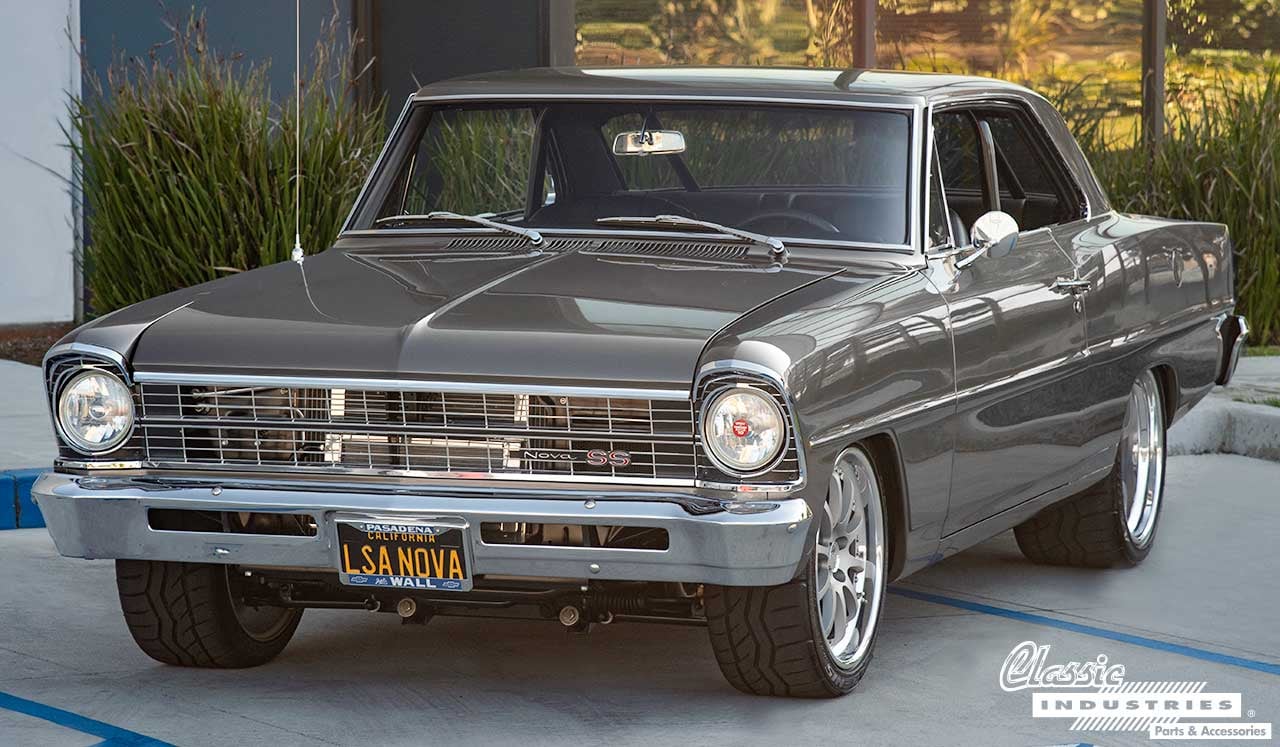
If you own, are restoring, or are restomodding American pony and muscle car(s), Classic Industries can help with finding those must-have components. You can shop on our website and enhance your search for parts by ordering a free parts and accessories catalog by clicking the button below.